How to Install Plugins with Carbon on your Rust Server
Updated October 27, 2026
Carbon supports plugins from both uMod and Codefling, letting you customize server features like gather rates, admin permissions, ranks, kits, and more. It also has full compatibility with Oxide plugins.
Important: You need to have the Carbon framework installed before adding any plugins. Follow our Carbon installation guide first if you haven't already.
Installing Plugins
One of Carbon's standout features is the ability to install and manage plugins directly from an in-game panel.
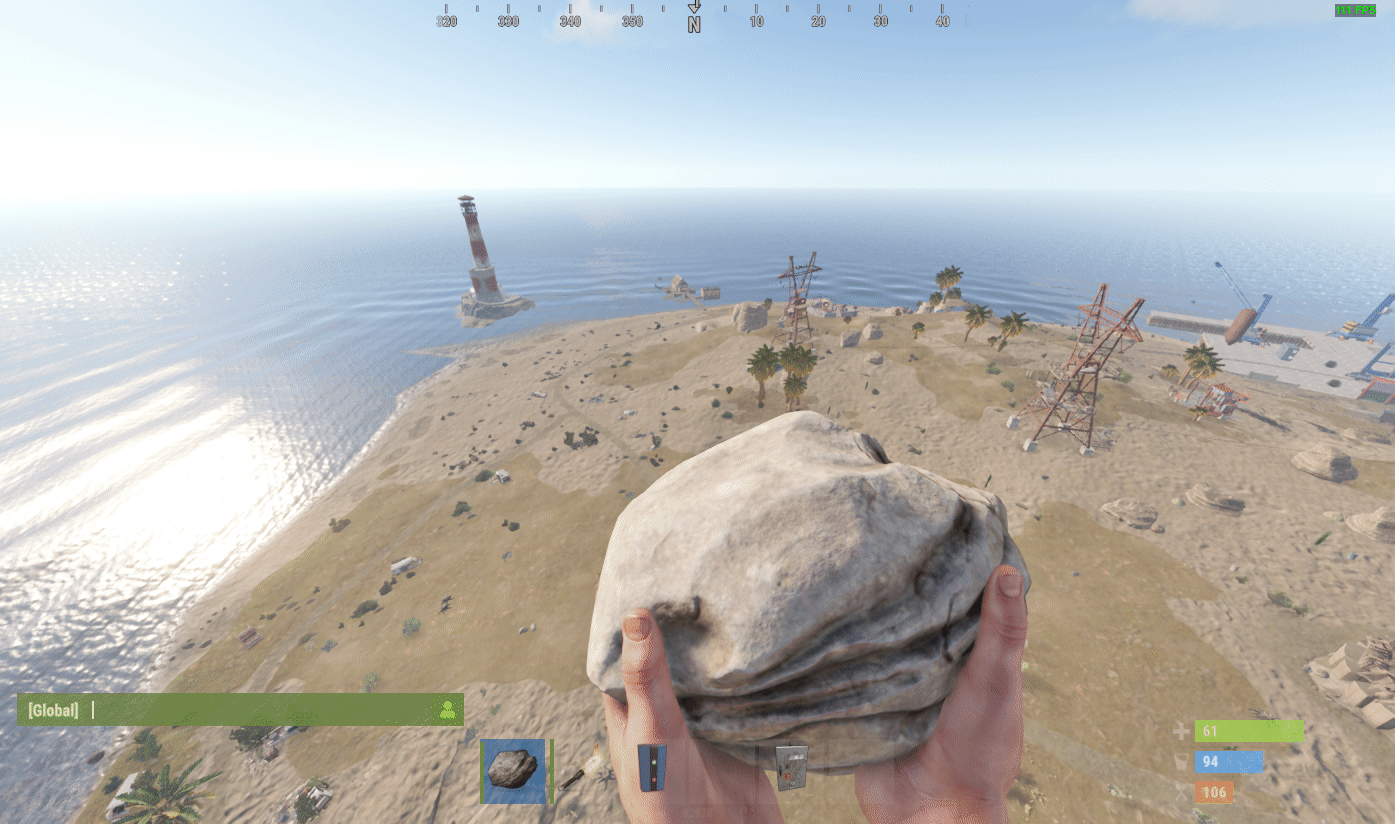
- Join your Rust server and make sure you have auth level 2.
- Type
/cpanelin chat to open the Carbon panel.
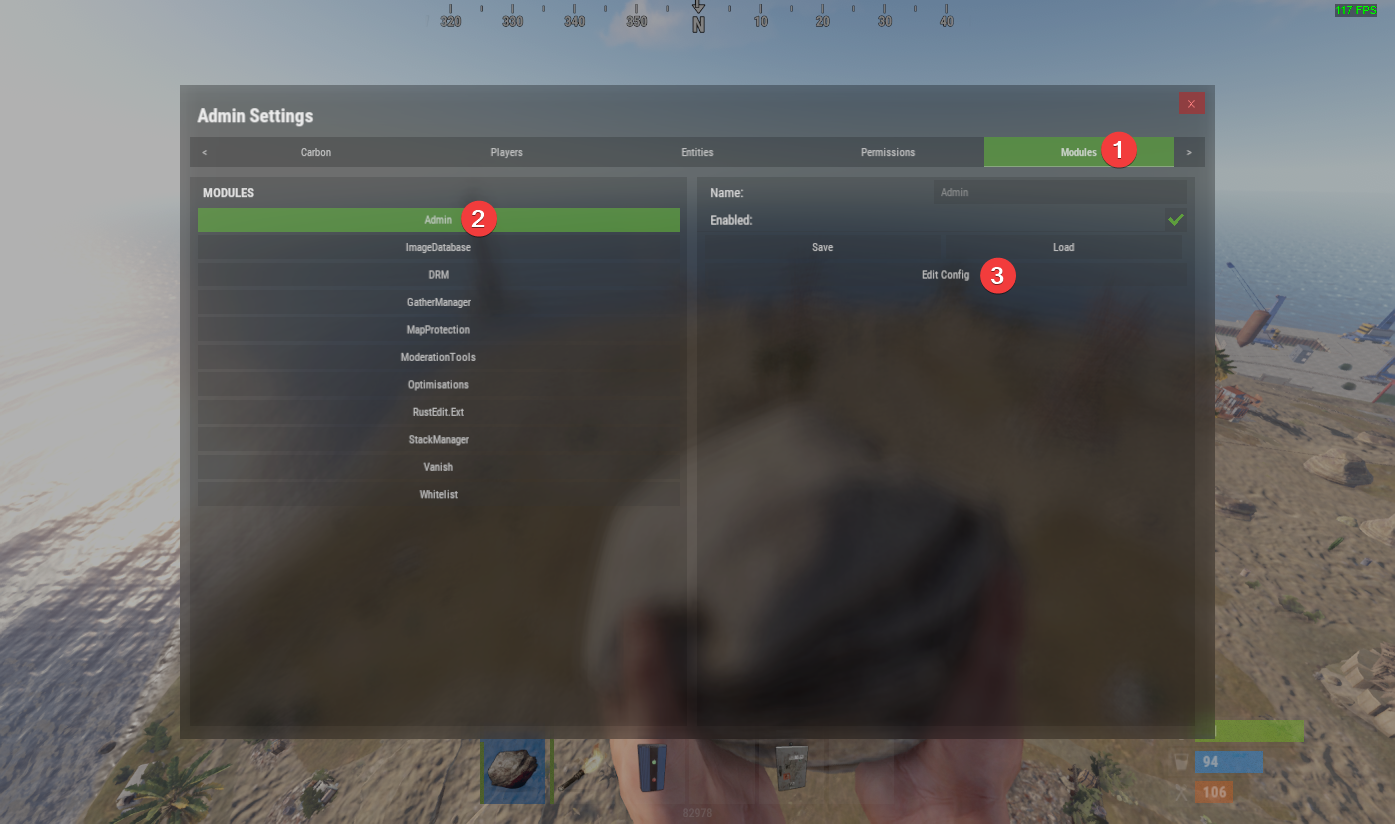
- Navigate to Modules > Admin > Edit Config.
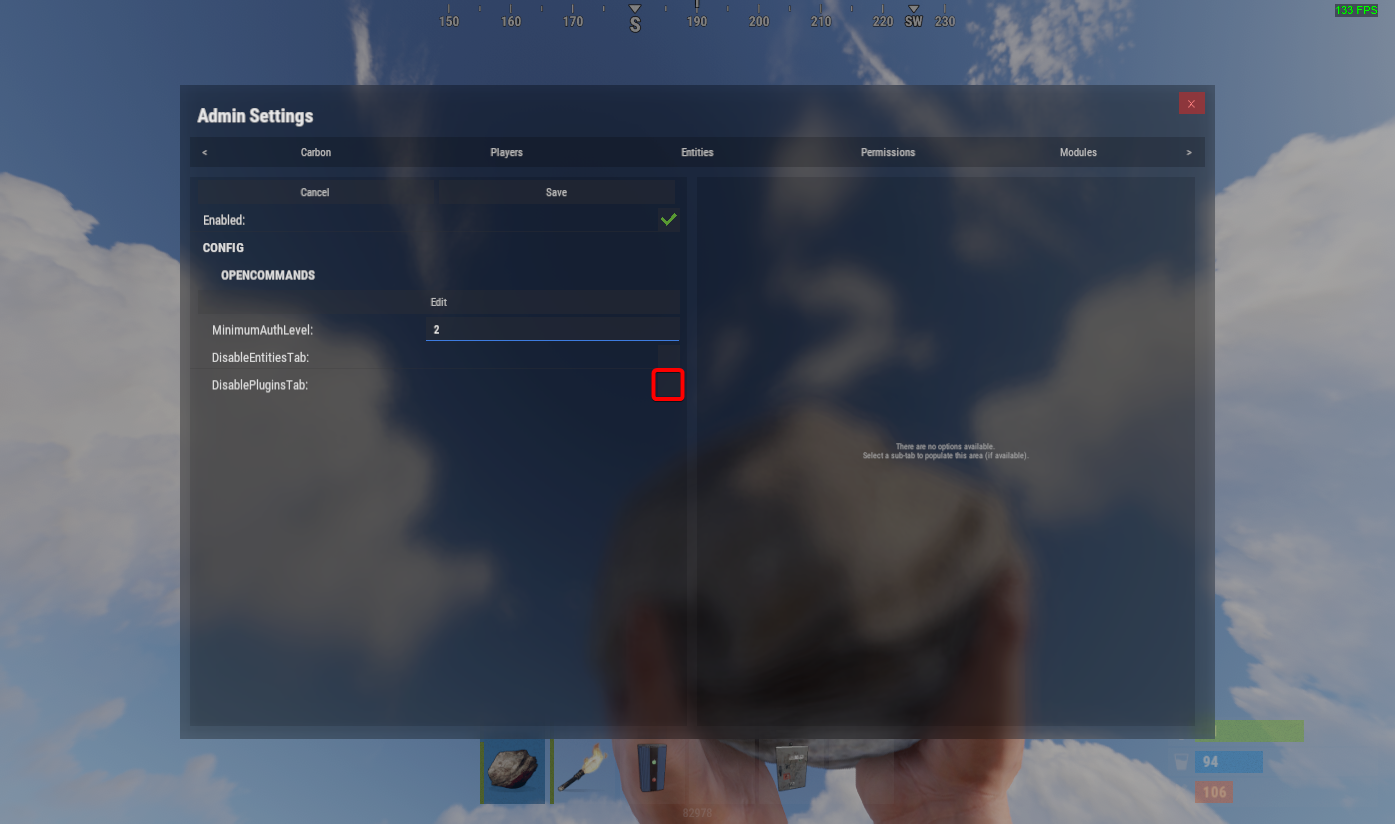
- Make sure DisablePluginsTab is unchecked, then click Save.
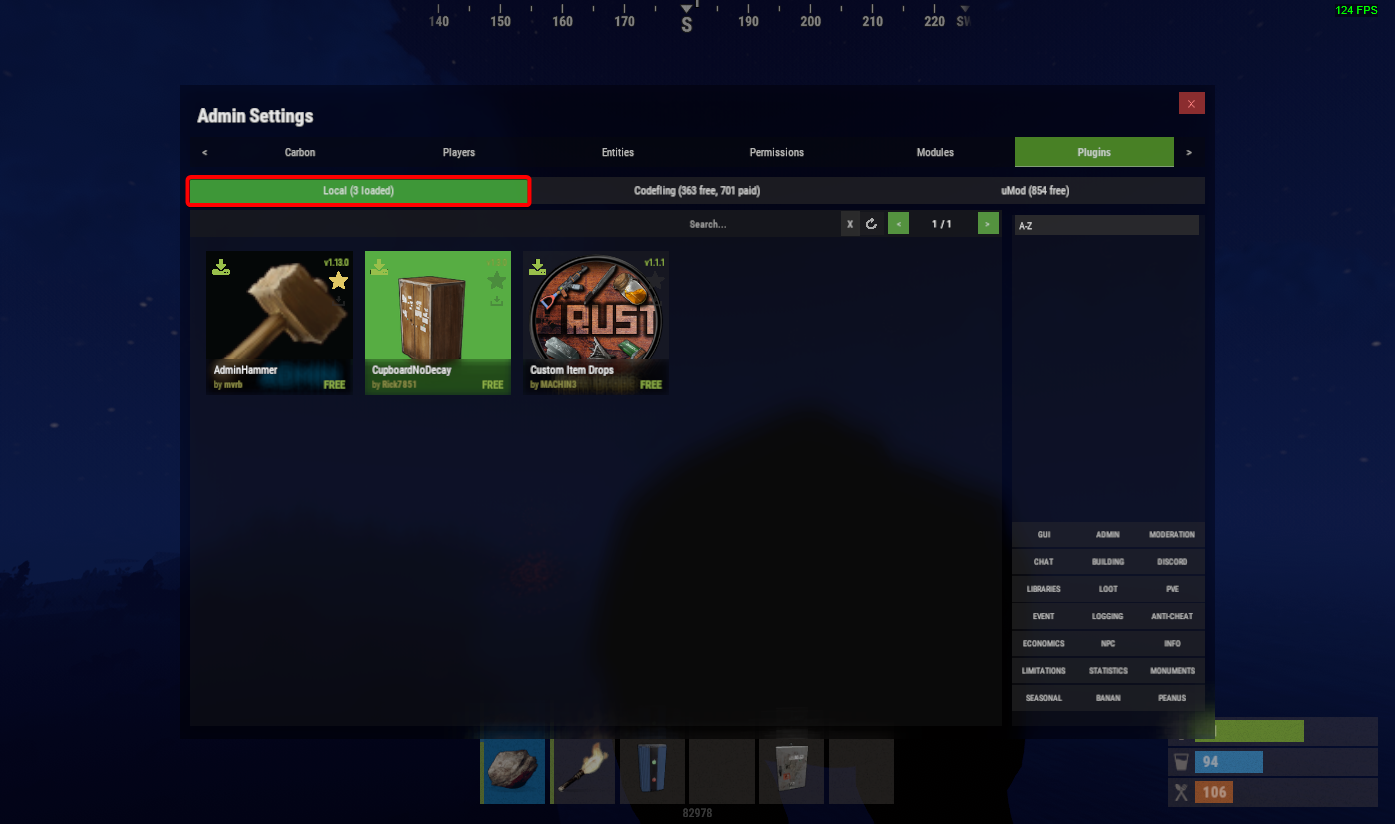
- Return to the Carbon panel — a Plugins tab should now be visible.
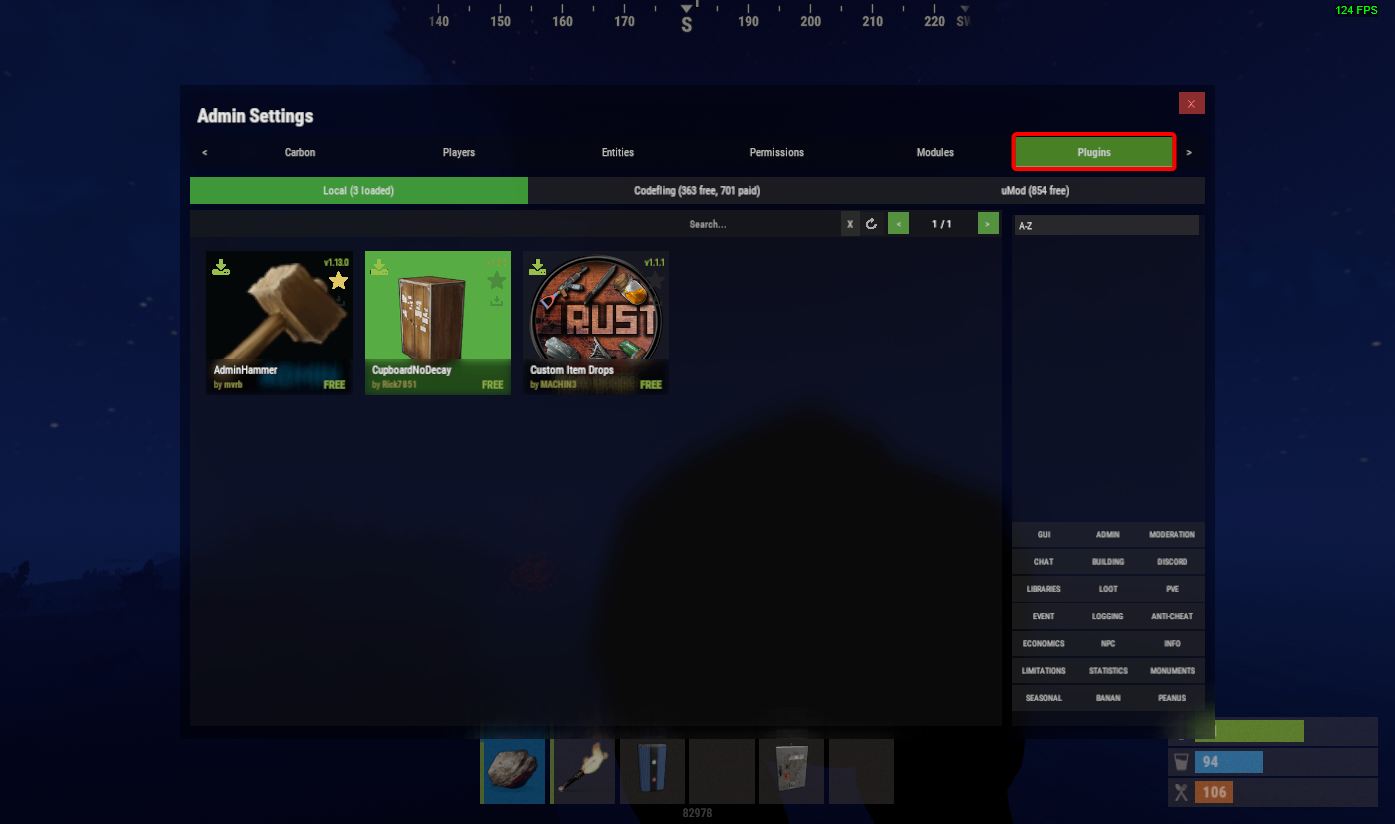
- Browse plugins from Codefling or uMod and click Download on whichever one you want.
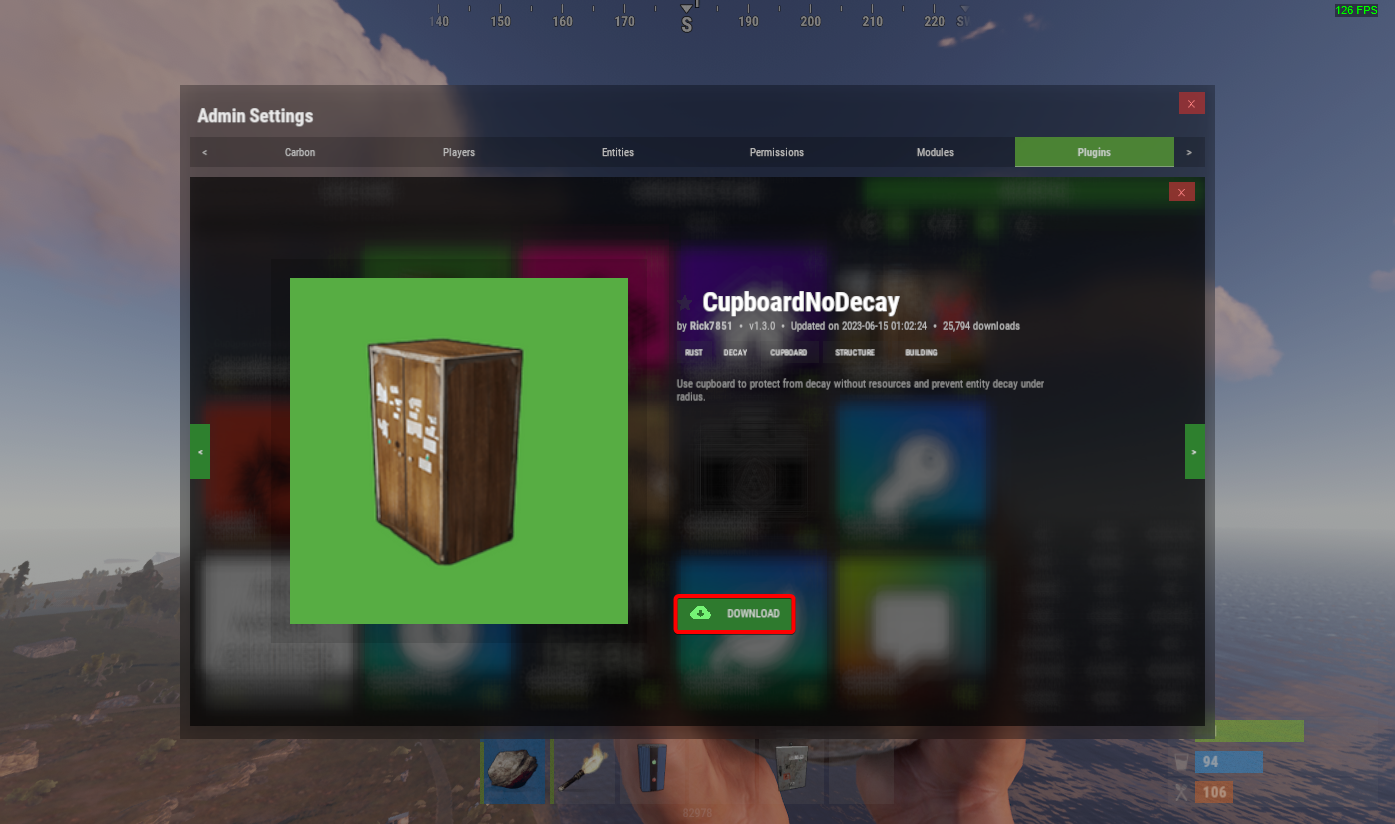
- Any installed plugins will appear under the Local tab.