
How to get a Registration Key for your FiveM Server
Updated October 27, 2026
Setting up a FiveM server requires a Registration Key linked to your Cfx.re account. Each account can hold up to 3 Registration Keys, allowing you to run a maximum of 3 FiveM or RedM servers simultaneously.
The process of generating a key is straightforward and only takes a moment through the Cfx.re Portal.
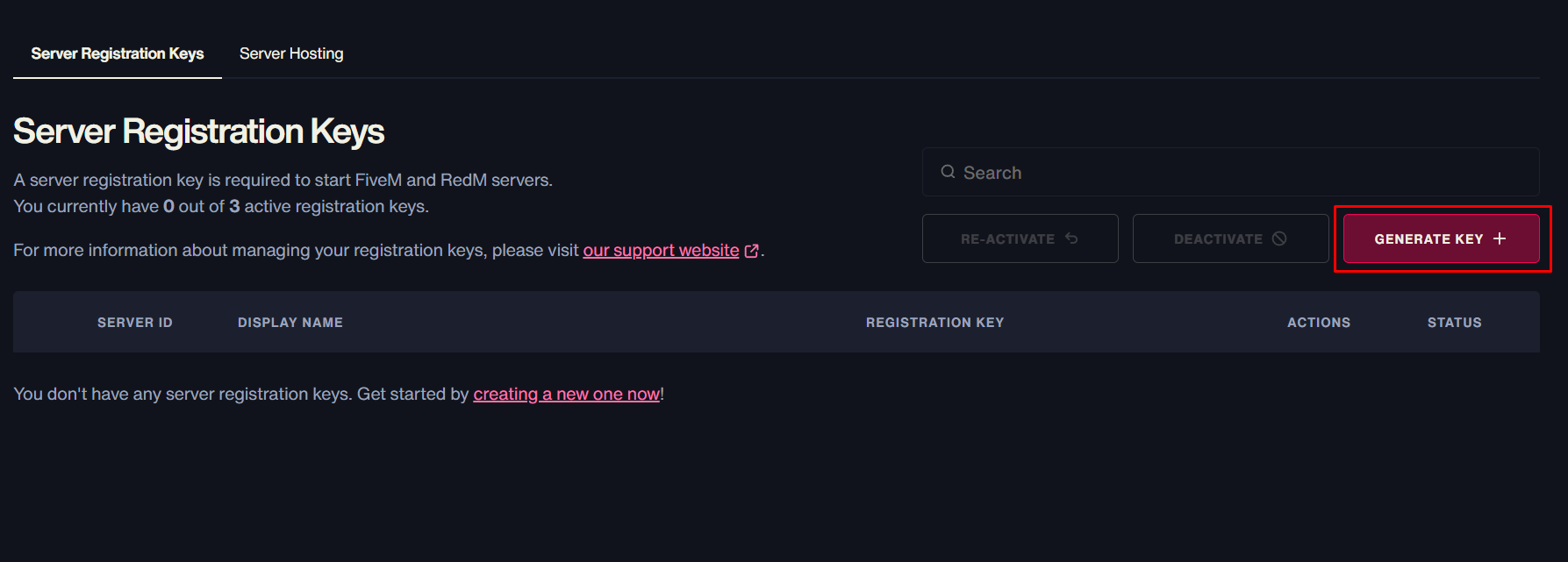
- Visit the Cfx.re Portal and sign in to your account.
- Click
Generate Key.
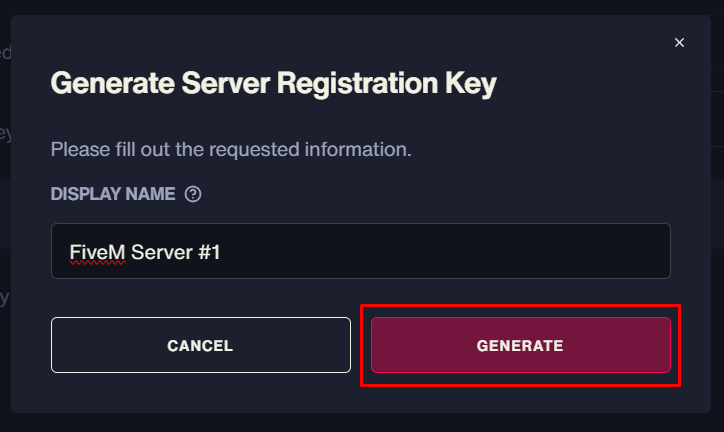
- Type in a Display Name for your server, then click
Generate.
- Your new Server Registration Key will now appear in the list. Click the copy button to copy it to your clipboard.
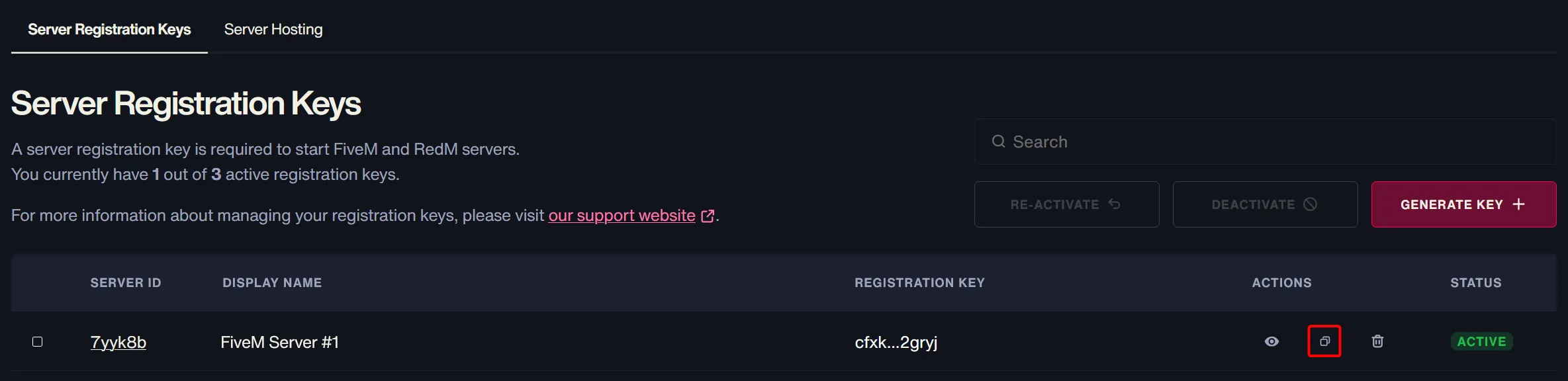
Note: These same Registration Keys work for both FiveM and RedM servers.
Once you have your registration key, you can proceed to set up and configure your FiveM server by adding the key to your server config.
For more FiveM server guides, check out our knowledgebase.