
KCD:MPServer Hosting
Run your own KCD:MP server and ride through Bohemia with your friends or a whole community. Pick a region and a game mode, and your server appears in the KCD:MP launcher's server list, keeping itself on the newest build at every restart.
KCD:MP plans
Choose Your Plan
All plans include Instant Setup, DDoS protection, scheduled backups, and technical support.
Every player needs their own copy of Kingdom Come: Deliverance II on Steam and the free KCD:MP launcher from kcd-mp.com.
KNIGHT
DUKE
KING
Explore the PingRite Game Panel
A powerful, easy-to-use control panel to manage every aspect of your game server.
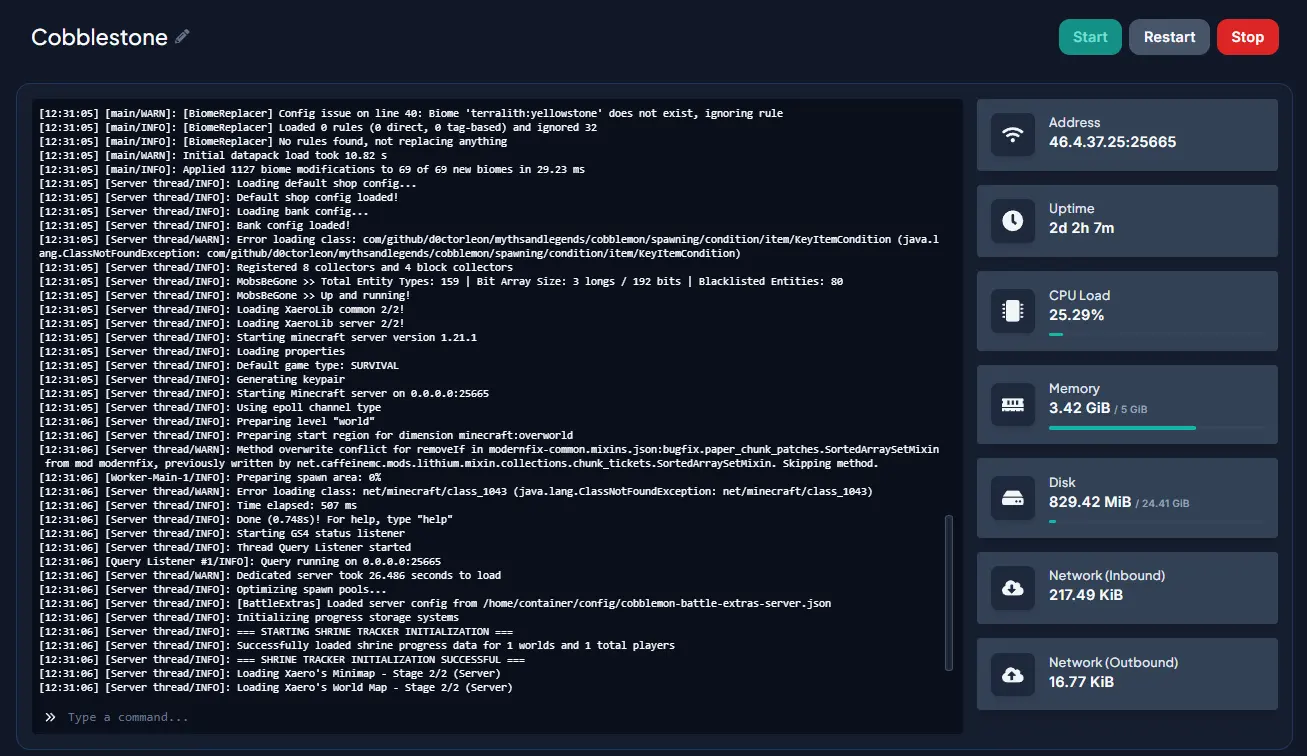
Monitor your server output live, run commands, and troubleshoot issues — all from your browser.
Browse, edit, and organize your server files directly in the browser — no FTP client needed.
Upload large files, mods, and custom content to your server via SFTP for fast, bulk transfers.
Create, restore, and schedule automatic backups to protect your world and player data.
Adjust server settings, player limits, and gameplay parameters without editing config files.
Automate restarts, backups, and commands on a schedule — keep your server running smoothly around the clock.
Add sub-users with granular permissions so your team can manage the server without full admin access.
Game Modes
A server runs one game mode: the rules of its world. Change it from the Startup tab in your panel whenever you like.
Free Roam
The flagship mode. Everyone shares one open Bohemia around the spawn, with global chat, parties, emotes and voice chat.
Roleplay
A starting point for a roleplay server. Players register, make a character, and come back where they left with what they carried, wore and rode. Uses a MySQL database from your panel.
Duel Arena
Players queue with /duel and fight one on one in the arena while nobody else can be hurt.
Your Own Mode
Write your own rules as a Lua script or a C# plugin, upload them over SFTP and /reload without restarting the server.
Getting in
How Players Join
What it takes to get everyone onto your KCD:MP server.
- 01
Set up your server
Choose a plan, then pick the region (Trosky, Kuttenberg or the monastery), the game mode, a server name and an optional password in your panel.
- 02
Players get the launcher
Everyone downloads the free KCD:MP launcher from kcd-mp.com. It starts their own Kingdom Come: Deliverance II with multiplayer inside.
- 03
Join from the server list
Your server appears in the launcher's server list within a minute. Players pick it, or type its address for a private server, and press Join.
Help center
Featured Guides
Step-by-step help articles to get the most out of your KCD:MP server.
FAQ
Frequently Asked Questions
What is KCD:MP?
KCD:MP (KCD Multiplayer) is a multiplayer platform for Kingdom Come: Deliverance II. Players join with the KCD:MP launcher, and a dedicated server runs the shared world: who is where, the fighting, the chests and doors, and the game mode's rules.
Do my players need to own the game?
Yes. Every player needs their own copy of Kingdom Come: Deliverance II on Steam (PC) and the free KCD:MP launcher from kcd-mp.com. The server itself needs no copy of the game.
KCD:MP is in early access. What happens when a new build comes out?
Your server checks for a newer build every time it starts and installs it before it comes up, so a restart is all it takes. Players need the same build as the server, and their launcher updates itself. If your community wants to stay on one build, set an exact version in the panel's Startup tab.
Can I keep my server private?
Yes. Set a password so only your group can join, or turn off the public server list in the Startup tab and share your server's address directly.
Do I need to upload anything to get started?
No, the server runs as soon as it is installed. For the full experience (chests filled from the game's own loot tables, and the terrain and wall checks), export the world data from your own copy of the game with the tools in the Windows server folder, then upload it to data/ over SFTP. The setup guide walks you through it.
Can I write my own game mode?
Yes. A game mode is a Lua script or a C# plugin that decides where players spawn, what chat commands do and who may hurt whom. Upload it to gamemodes/, select it in the panel, and use /reload to load changes without a restart. The API is documented at docs.kcd-mp.com.
Which plan should I pick?
Plans differ by player slots, with more CPU cores and memory as they grow, and every plan has unlimited storage. SQUIRE (10 slots) suits a group of friends, KNIGHT and BARON fit growing communities, and COUNT, DUKE and KING are sized for big roleplay servers with hundreds of players. You can move to a bigger plan later as your server grows.
Need help choosing a plan?
Our team can help you find the right configuration for your server.
Contact Support