
How to Use the Minecraft Management Tools
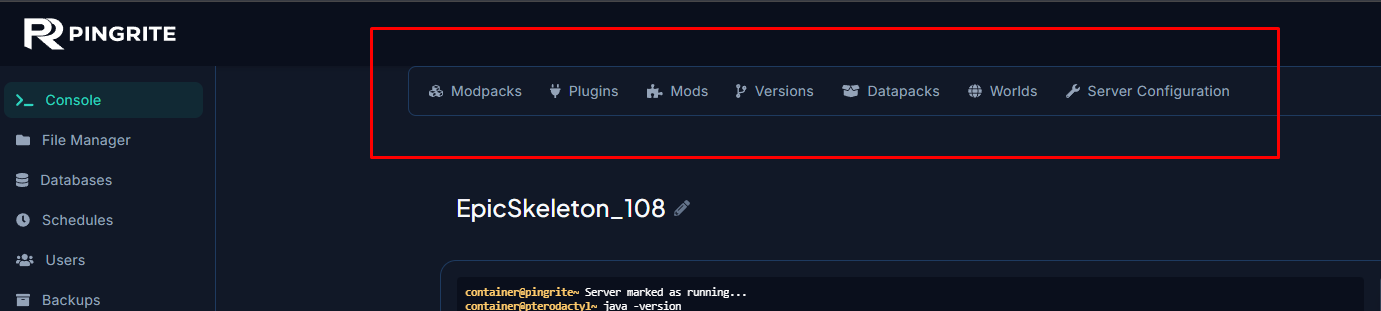
PingRite's game panel includes a suite of Minecraft management tools built right into the control panel. These tools appear in a navigation bar at the top of your server's page whenever you're running a Minecraft server, giving you quick access to modpacks, plugins, mods, and more without needing to manually upload files.
Accessing the Minecraft Tools
The Minecraft management bar appears automatically on any server running a Minecraft egg (Vanilla, Paper, Forge, Fabric, Spigot, BungeeCord, Sponge, or modpack-based servers). You'll see it at the top of the server page, above the console and other content.
The available tools are: Modpacks, Plugins, Mods, Versions, Datapacks, Worlds, and Server Configuration.
Modpacks
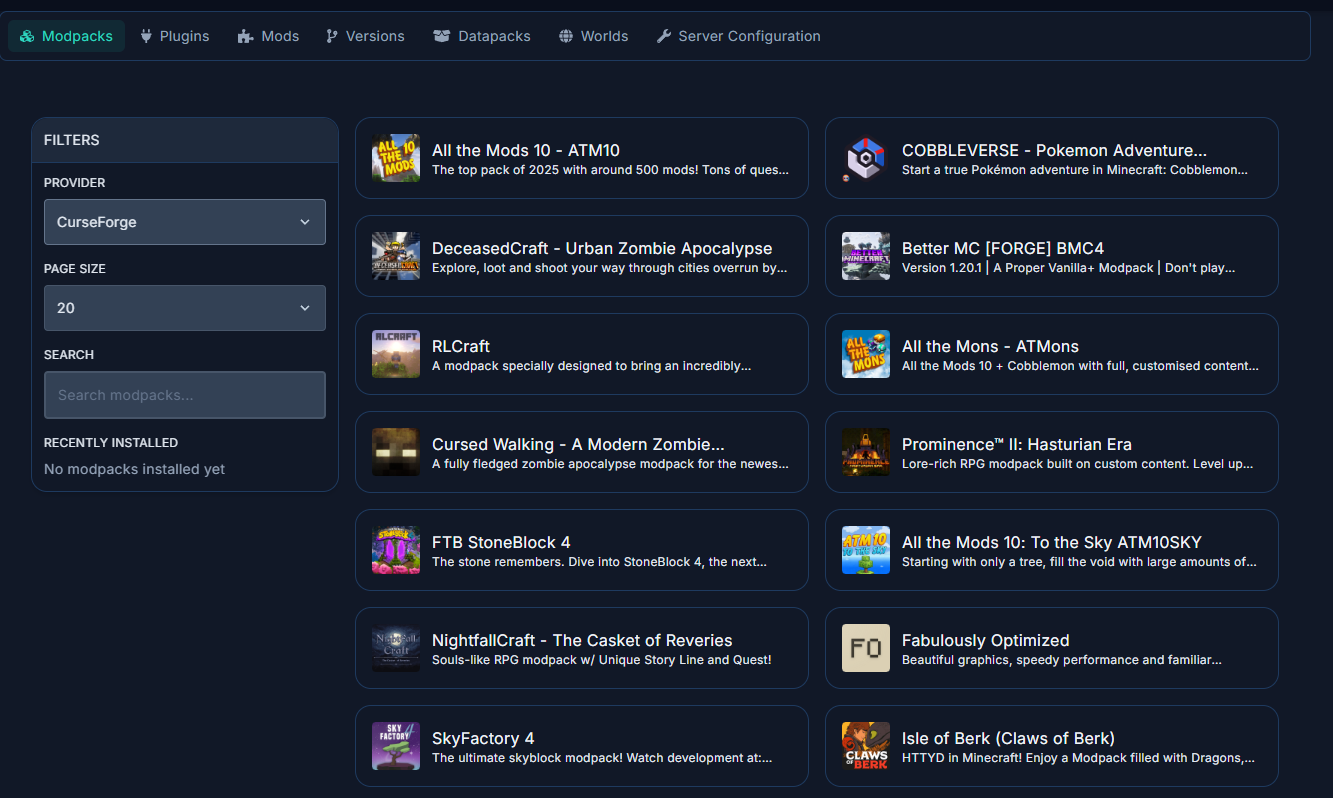
The Modpacks tab lets you search for and install complete modpacks from CurseForge, Modrinth, and FTB. Modpacks bundle many mods together into a single package. The installer handles downloading all mod files and setting up the server automatically.
Keep in mind that modpacks target specific Minecraft versions and server types (usually Fabric or Forge). After installing a modpack, you may need to use the Versions tab to install the correct server jar. You'll also need the same modpack installed on your client to connect.
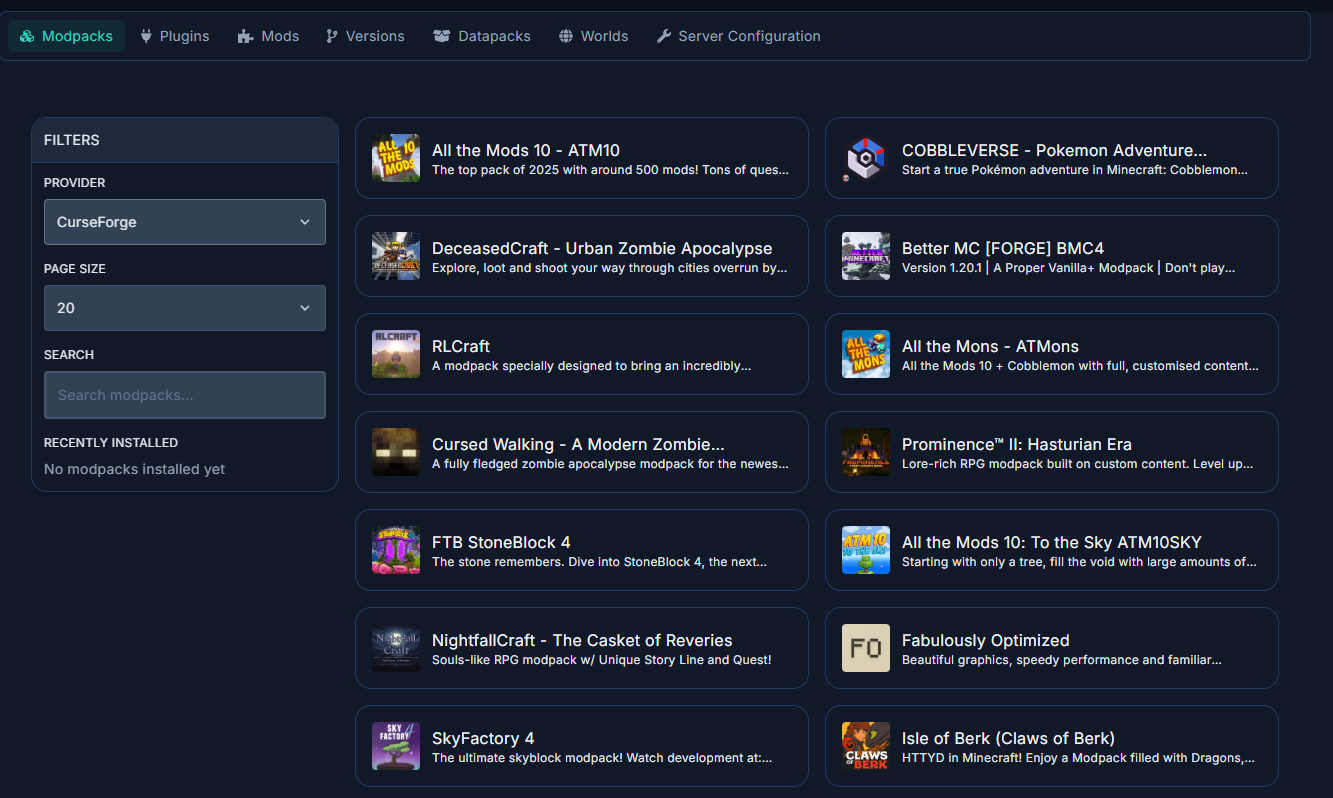
See: How to Install a Modpack on Your Minecraft Server
Plugins
The Plugins tab lets you search and install plugins from Modrinth, CurseForge, SpigotMC, and Hangar. Plugins add features to your server (economy, permissions, minigames, anti-cheat, etc.) without requiring players to install anything on their client.
Plugins only work on plugin-compatible server types like Paper, Spigot, or BungeeCord. They do not work on Vanilla, Fabric, or Forge servers.
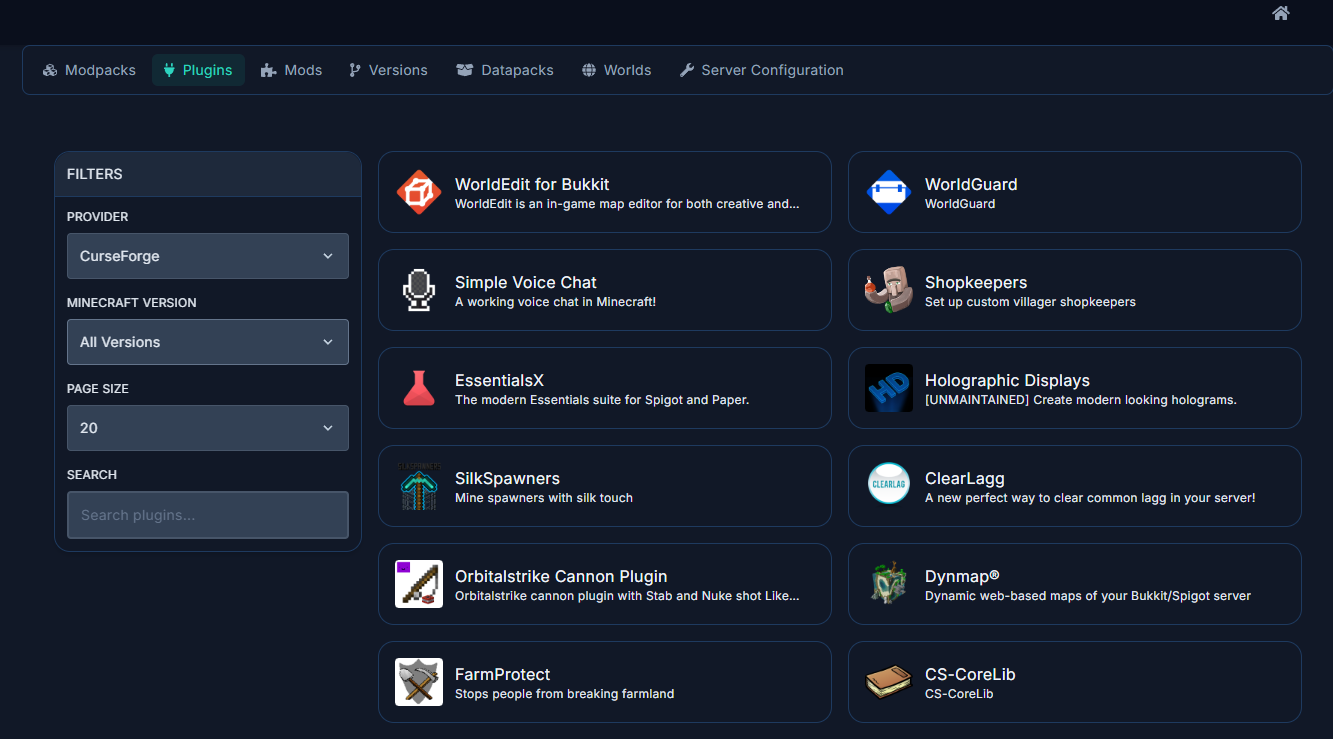
See: How to Install Plugins on Your Minecraft Server
Mods
The Mods tab lets you search and install individual mods from Modrinth and CurseForge. Mods change the game itself and require a mod-compatible server type (Fabric or Forge). Both the server and client must have the same mods installed.
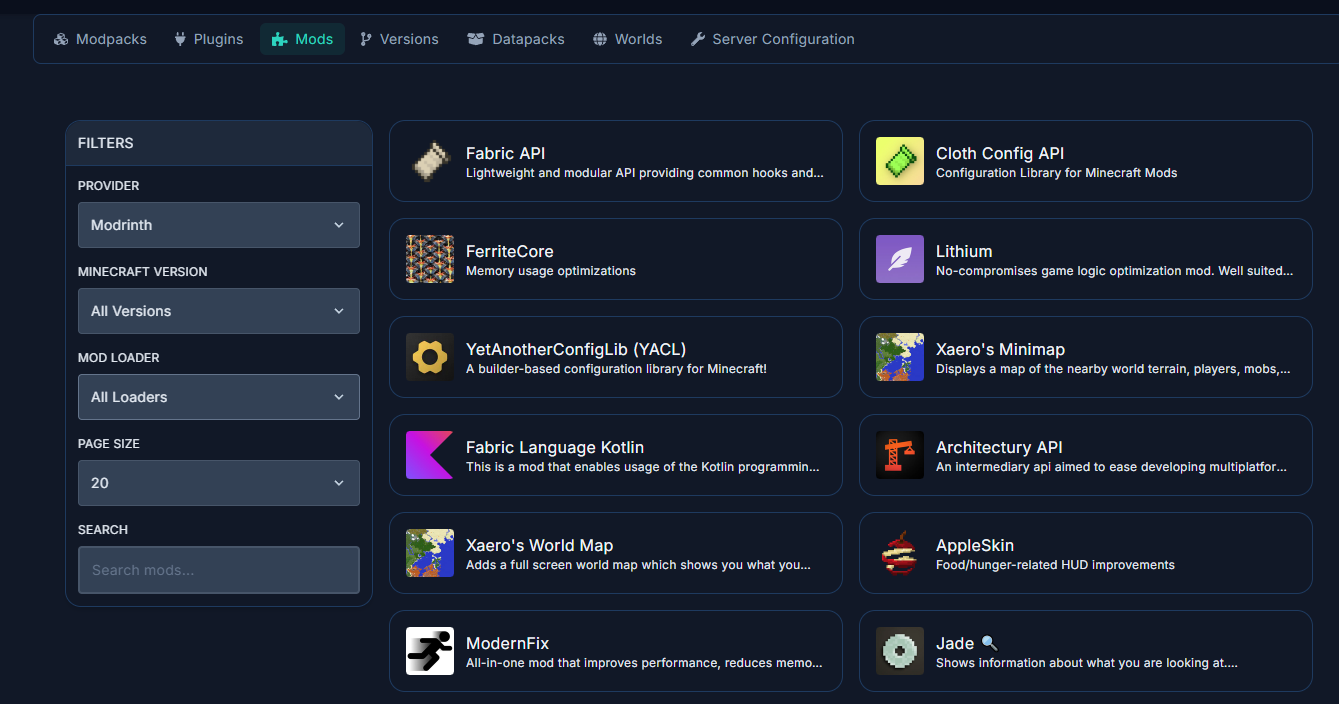
See: How to Install Mods on Your Minecraft Server
Versions
The Versions tab lets you change your Minecraft server type and version. You can switch between server types (Vanilla, Paper, Fabric, Forge, and many more) and select any available Minecraft version. The panel downloads and installs the correct server jar for you.
This is also where you go after installing a modpack if the server jar wasn't installed automatically.
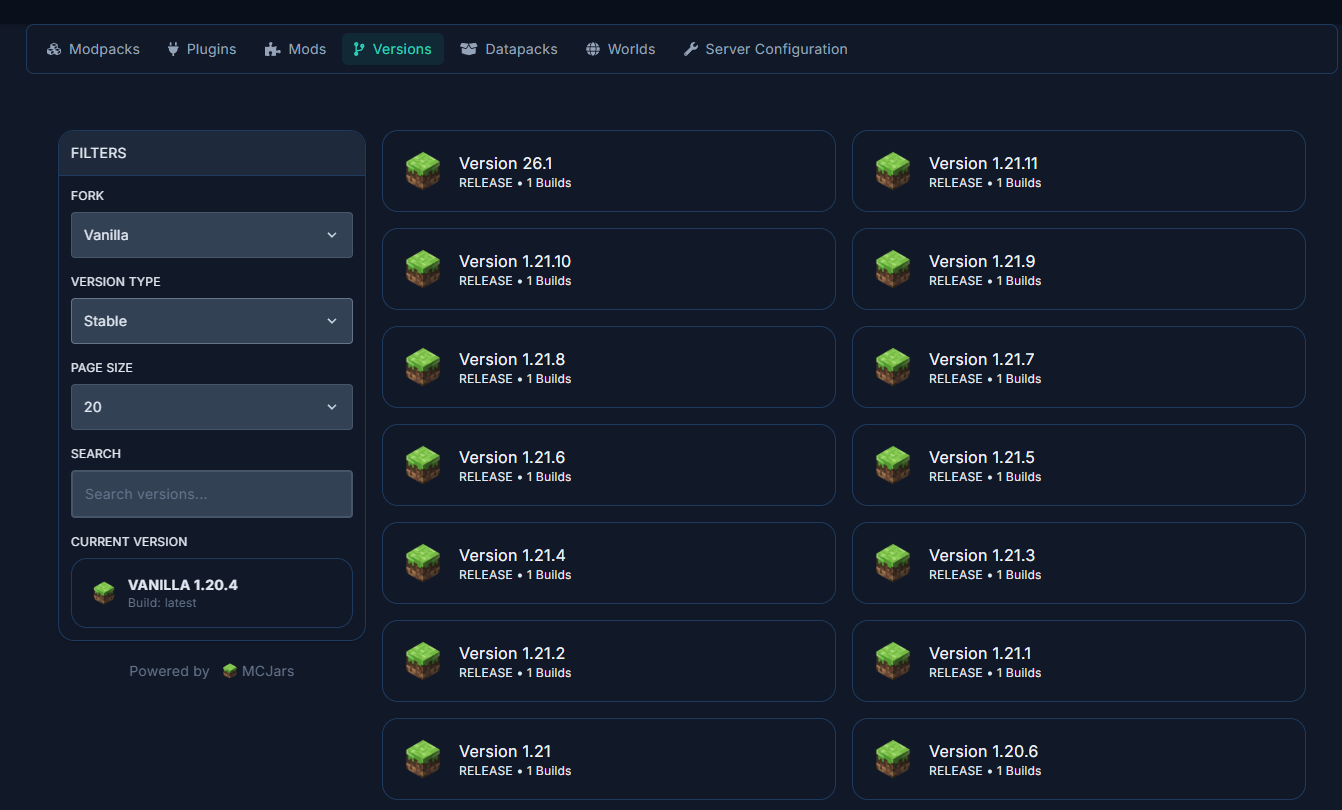
See: How to Change Your Minecraft Server Version
Datapacks
The Datapacks tab lets you install datapacks, resource packs, and crafting tweaks from VanillaTweaks. Datapacks modify game behavior using Minecraft's built-in data pack system — no mods required. They work on all server types including Vanilla.
Examples include custom recipes, mob heads on death, one-player sleep, and coordinate HUD displays.
Worlds
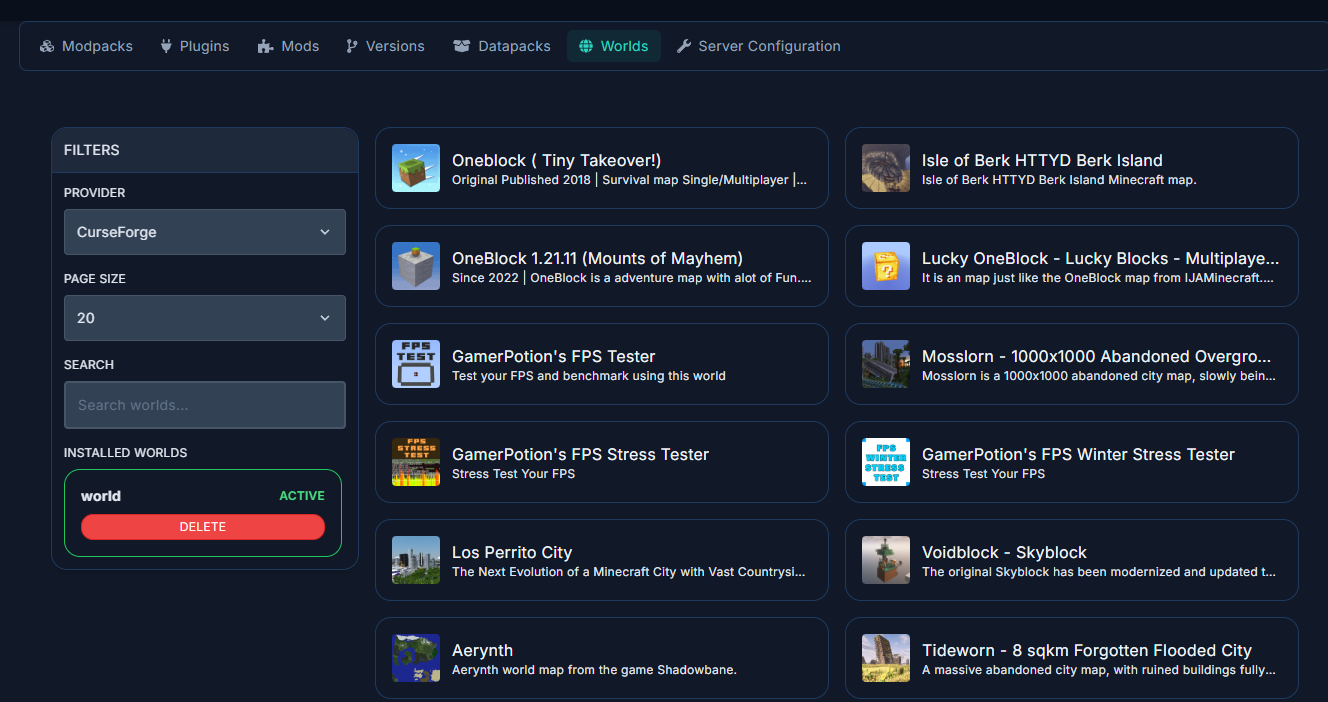
The Worlds tab lets you browse and install custom worlds from CurseForge. These are pre-built maps that can be downloaded and applied to your server, including adventure maps, parkour courses, and creative showcases.
Server Configuration
The Server Configuration tool provides a visual interface for editing your server's configuration files. It supports TOML, YAML, and Properties file formats and displays settings with user-friendly labels and input fields instead of raw text. Changes are saved automatically.
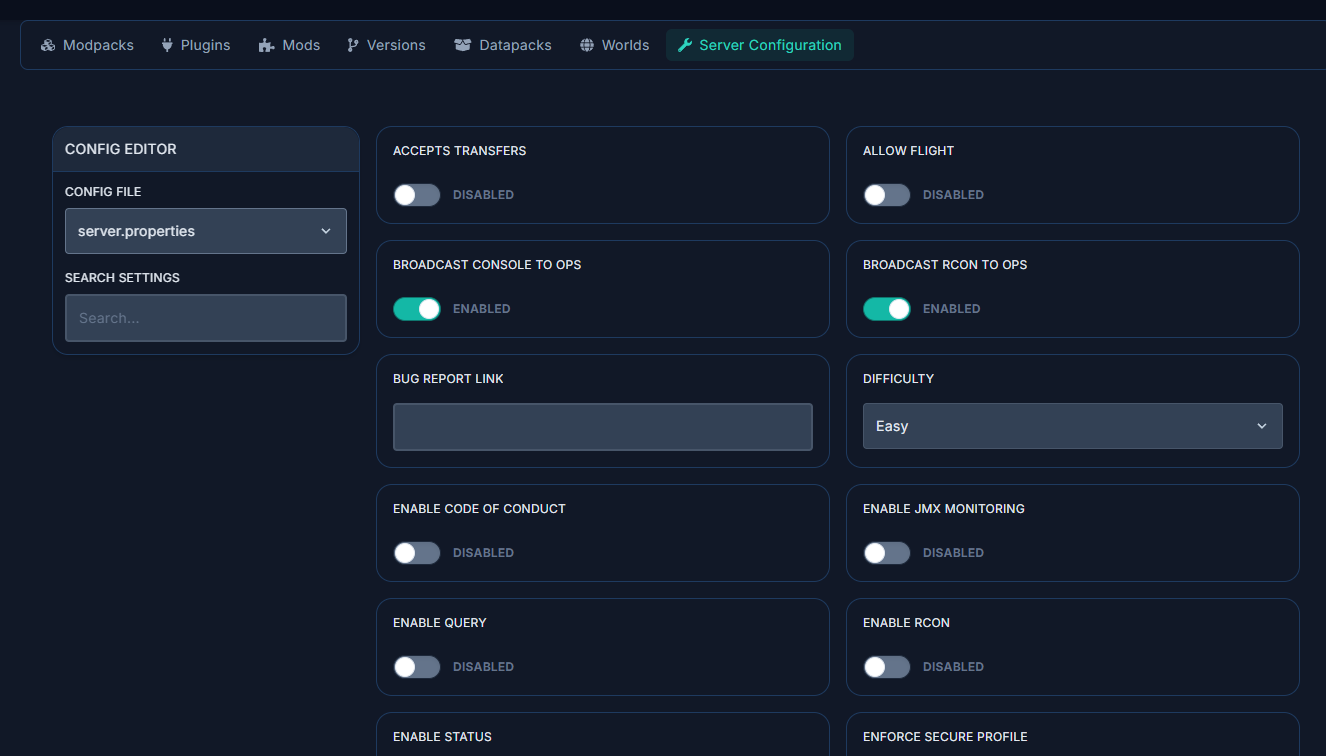
This is particularly useful for editing mod configuration files (usually found in the /config directory) without needing to understand the file format.
A Note on Version Compatibility
One of the most common sources of errors on Minecraft servers is version mismatches. When installing mods, plugins, or modpacks, always verify:
- Minecraft version: The exact version number (e.g., 1.21.1, not just "1.21"). A mod for 1.21 may not work on 1.21.1.
- Server type: Fabric mods don't work on Forge, and plugins don't work on Fabric/Forge. Make sure everything matches.
- Java version: Newer Minecraft versions need newer Java. The panel will prompt you to change Java version if there's a mismatch.
- Client-side requirements: Mods and modpacks need to be installed on both server and client. Plugins are server-side only.