How to Install Oxide on Your Rust Server
Updated October 27, 2026
Oxide is a popular modding framework for Rust that allows server owners to extend their servers with plugins. It's essential for building a customized modded Rust server, supporting plugins for moderation, gameplay tweaks, events, minigames, and much more.
Important: This guide covers installing the Oxide framework itself. If you're looking to add individual Oxide plugins, see this article instead.
Installing Oxide
Oxide can be enabled by choosing it as the modding framework under Rust Server Settings in your control panel.
- Open your server control panel and Stop your server.
- Go to the Server Config tab.
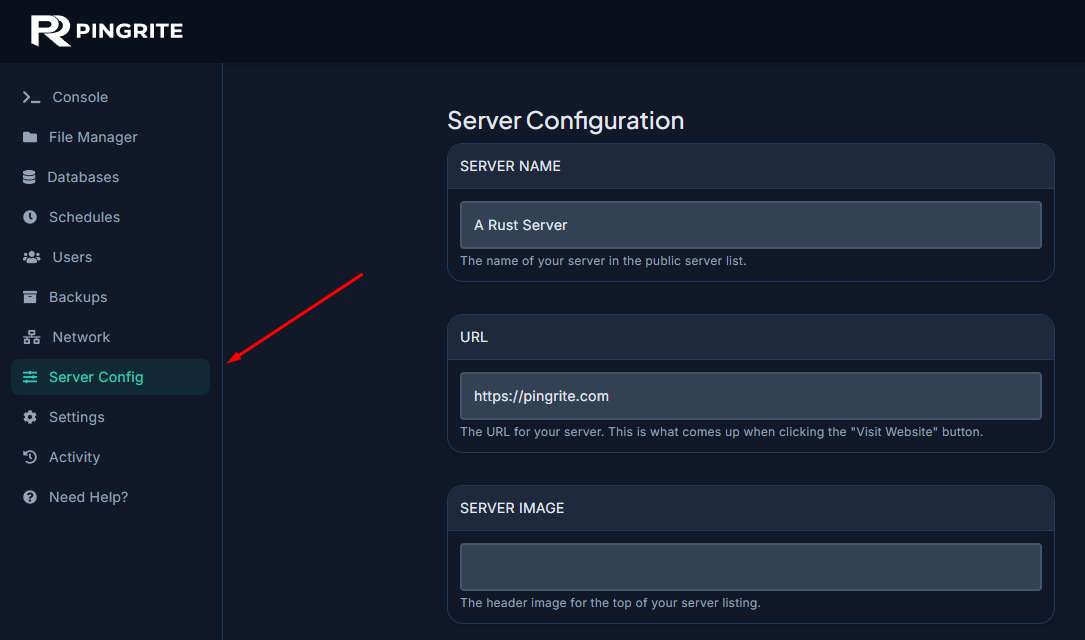
- Open the Rust Server Settings.
- Make sure the Auto Update option is set to Enabled.
- Find the Modding Framework and Modding Root Directory options and select Oxide, then type "oxide" in the root directory setting.
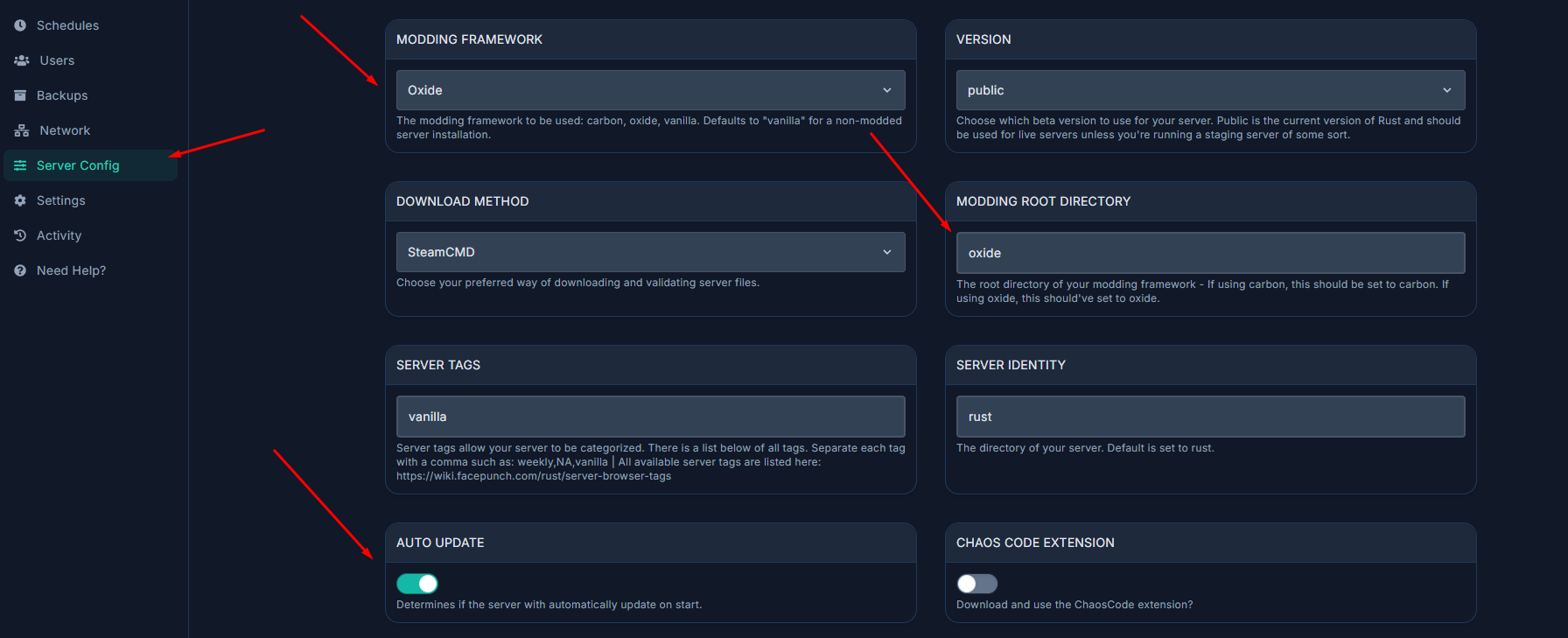
- Save your changes and Start the server.
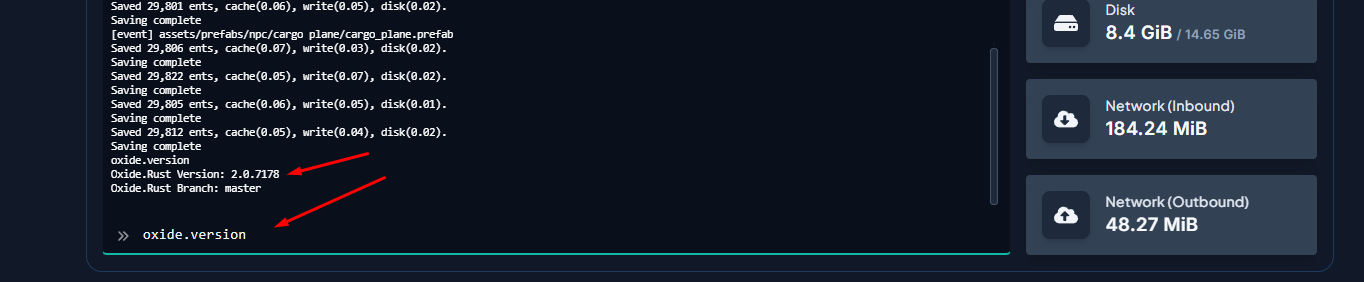
- To verify Oxide was installed correctly, open your server console and run
oxide.version.