How to Cure a Zombie Villager in Minecraft (The Ultimate Guide)
Learn how to cure a zombie villager in Minecraft with potions and golden apples. Full step-by-step guide with bonus pro tips!
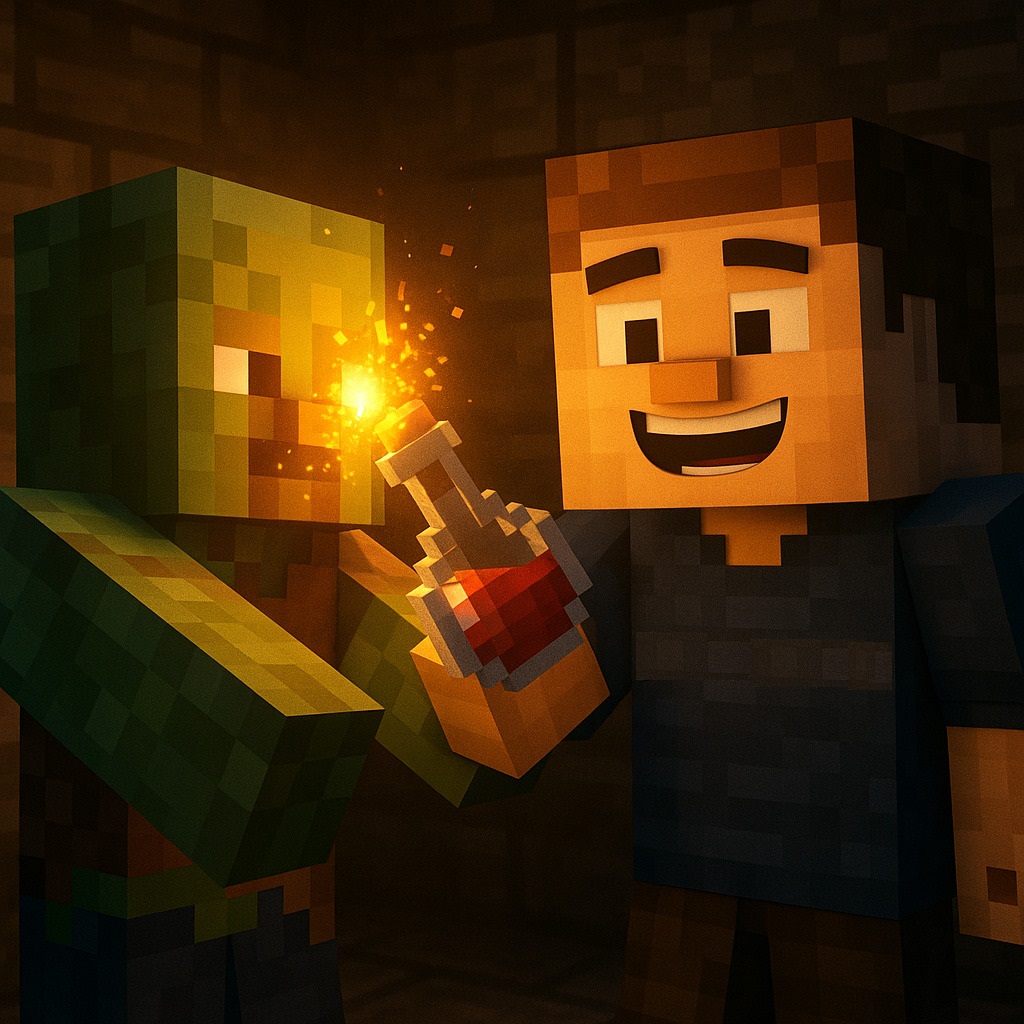
To cure a zombie villager in Minecraft, throw a Splash Potion of Weakness at them, then use a Golden Apple while they are weakened. After 3-5 minutes, they will convert back into a regular villager. Make sure to keep them safe during the process to avoid interruptions or reinfection.
Let's do a full breakdown.
Zombie villagers aren't just creepy--they're a chance to rebuild your village, unlock awesome trades, and look like a total Minecraft pro. Whether you're a survival-mode purist or just want to get some serious discounts, this guide has everything you need to know about curing a zombie villager, plus some pro tips and cool trivia to boot.
What Is a Zombie Villager?
Zombie villagers are hostile mobs that spawn:
-
Instead of normal zombies (5% chance)
-
When a villager is killed by a zombie (50-100% chance depending on difficulty)
-
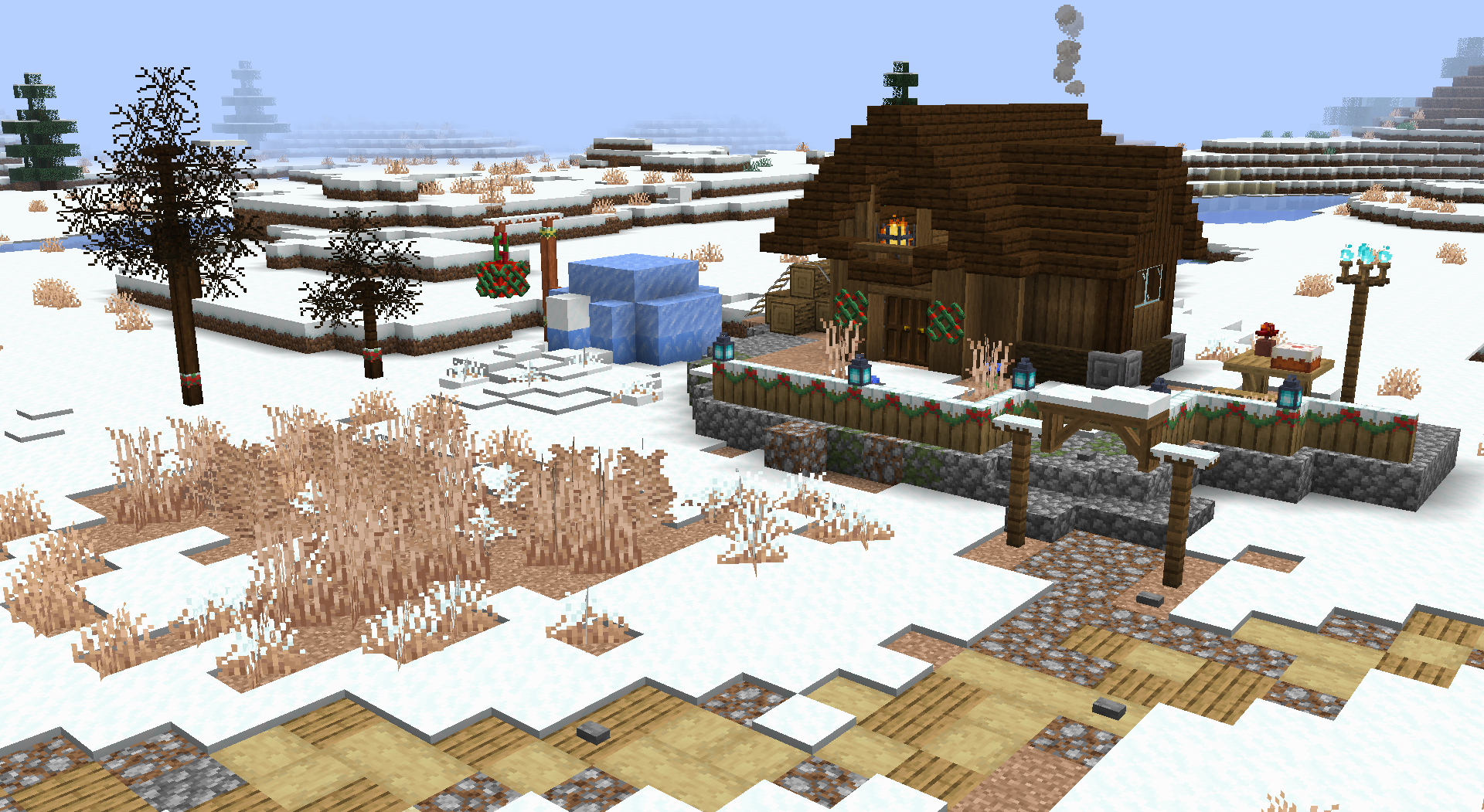
In structures like igloo basements, abandoned villages, or during sieges
They behave like zombies but look like villagers--and the best part is: you can turn them back into villagers.
Why Should You Cure Them?
There are a few great reasons:
-
Trading discounts (massive savings after curing)
-
Repopulate villages or start your own
-
Assign custom professions to control trades
-
Unlock the "Zombie Doctor" advancement
-
Just feels good to save a fellow Minecraft citizen!
What You'll Need
Required Items:
-
1 Splash Potion of Weakness
-
1 Golden Apple
-
1 Zombie Villager (obviously)
Optional (but helpful):
-
Boat or Minecart to immobilize them
-
Fences or Iron Bars to build a pen
-
Roof to block sunlight
-
Torches to prevent other mobs from spawning
-
Workstation Block to assign them a job after curing
Step-by-Step: How to Cure a Zombie Villager
Step 1: Trap and Protect the Zombie Villager
Before anything else:
-
Trap the zombie using a boat, minecart, or lead it into a pen
-
Build a shelter: use solid blocks and add a roof so it doesn't burn in daylight
-
Keep it away from iron golems or wolves--they'll attack it!
Tip: Use iron bars or glass panes as part of the enclosure so you can watch the curing process.
Step 2: Brew a Splash Potion of Weakness
Ingredients needed:
-
Brewing Stand
-
Blaze Powder (for fuel)
-
Water Bottles
-
Fermented Spider Eye (Sugar + Brown Mushroom + Spider Eye)
-
Gunpowder (to make it splash)
How to brew:
-
Add water bottles to the brewing stand
-
Fuel it with blaze powder
-
Add fermented spider eye
-
Add gunpowder to turn it into a Splash Potion of Weakness
Do not use a regular spider eye--it'll make a Poison potion by mistake!
If you want the full breakdown of how to make a splash potion of weakness in Minecraft, we have the perfect guide for you!
Step 3: Craft or Find a Golden Apple
You'll need 1 apple + 8 gold ingots at a crafting table.
You can also find golden apples in:
-
Bastion Remnants
-
Dungeons
-
Mineshafts
-
Ruined Portals
-
Woodland Mansions
Use a regular golden apple, not the enchanted one (with purple glow). The enchanted version won't work for curing.
Step 4: Apply the Cure
Now the real fun begins.
1. Throw the Splash Potion of Weakness at the zombie villager
- You'll see gray particles if it works
2. Immediately feed the Golden Apple
-
Right-click (or tap, depending on your device)
-
You'll see red swirling particles
-
The zombie villager will begin shaking
Stay within 16 blocks--if you walk away, the curing process can stop!
Step 5: Wait and Keep Them Safe
The transformation takes 2 to 5 minutes. While this happens:
-
Keep them shaded
-
Keep mobs away
-
Don't leave the area!
-
Optional: Place iron bars and a bed nearby--this can speed up the cure!
Step 6: Welcome Your New Villager!
Once cured:
-
The zombie villager will return to their old profession (if they had one)
-
Or become unemployed, ready to be assigned a job
-
You'll unlock the "Zombie Doctor" advancement
-
You'll get massive trade discounts from this villager--only you though!
Assigning Professions
To give your villager a job:
-
Place a workstation block near them (like a Lectern for a Librarian or Blast Furnace for an Armorer)
-
They'll take the job automatically (unless they're a Nitwit, who can't work)
We have a full break down of all of the minecraft villager jobs right here if you want to know more!
Trade Discounts Example
Here's what happens after curing: Tip: Cure multiple zombie villagers and the discounts stack!
Curing Baby Zombie Villagers
Yes--you can cure baby zombie villagers!
-
They stay babies after curing
-
Have a smaller hitbox and move 30% faster
-
Can spawn as rare jockeys riding chickens, cows, ocelots--even pandas!
-
They never grow up (Java Edition), so they're cute AND functional
Be extra careful when trapping them--they're fast and slippery!
Bonus Tips & Facts
- Zombie villagers don't despawn if:
-
You've traded with them
-
They pick up an item
-
Armor worn by zombie villagers doesn't break from normal wear
-
You can find a guaranteed zombie villager in igloo basements
-
They reflect the biome they're cured in (Desert, Savanna, etc.)
-
Curing during a raid is risky--wait until it's safe
-
In Java Edition, they still count toward the hostile mob cap until cured
How to Cure a Zombie Villager: Summary Checklist
So...What's Next?
Curing zombie villagers is one of Minecraft's most rewarding challenges. Whether you're rebuilding a ravaged village or setting up a custom trading hall, this simple two-item combo (potion + apple) can change the game.
And hey--if you're planning to do this with friends, make the experience way smoother by running a dedicated Minecraft server with PingRite. We've got the best Minecraft Server Hosting deals, waiting just for you!